MariaDB reporting software
Create MariaDB Reports and Dashboards Without Complex Workflows
Turn MariaDB data into actionable reports, interactive dashboards, and visual insights with Ubiq. Build reports visually or use SQL when you need more control.
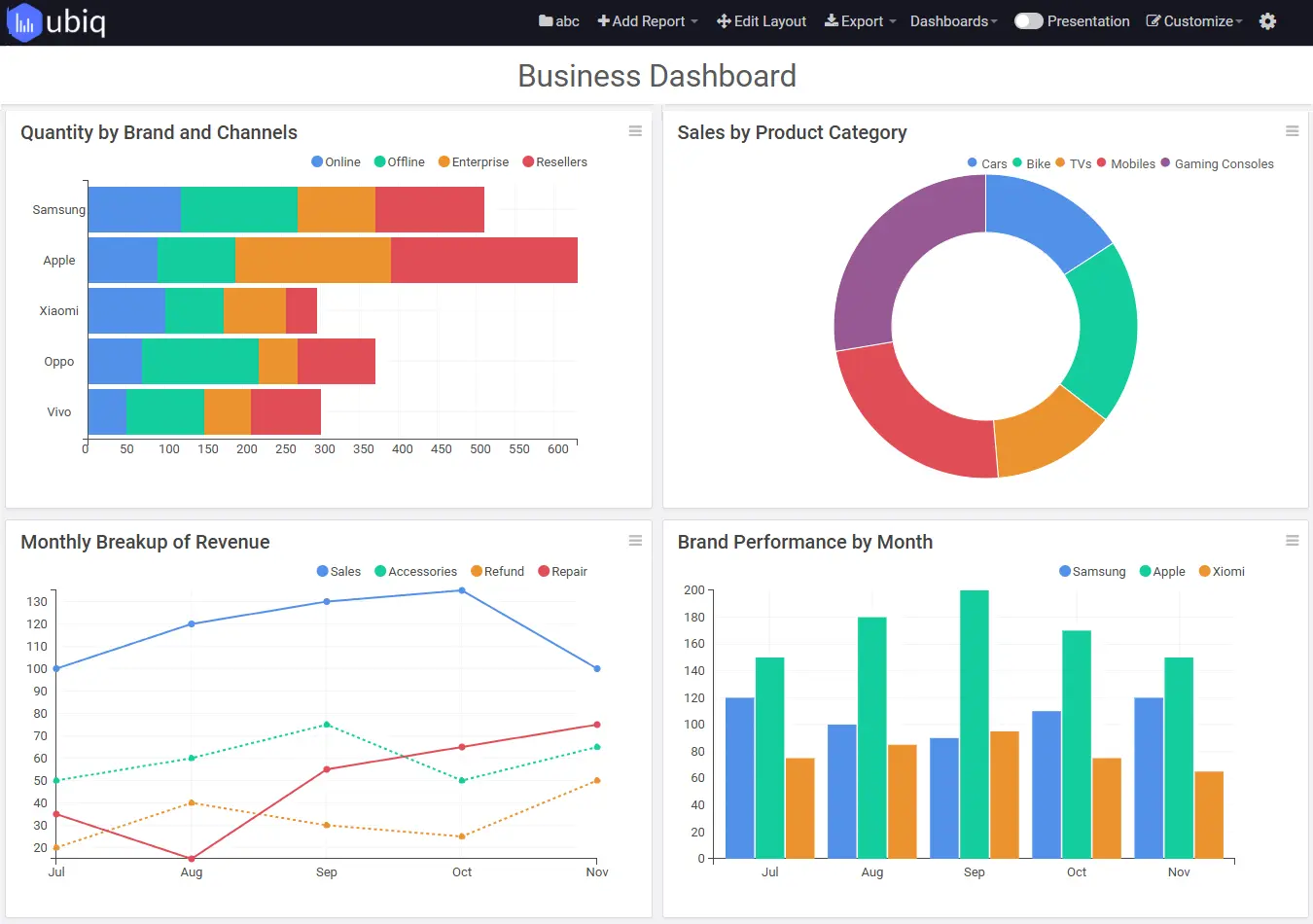
From data to decisions
What Can You Do with MariaDB Reporting?
Use Ubiq to transform operational records into useful business insights, without repeatedly exporting data to spreadsheets.
Build Reports
Create tabular and visual reports from MariaDB data using a report builder designed for business reporting.
Track KPIs
Bring important metrics together in business dashboards for a clearer view of performance.
Explore Trends
Use data visualization software to understand patterns, changes, and outliers.
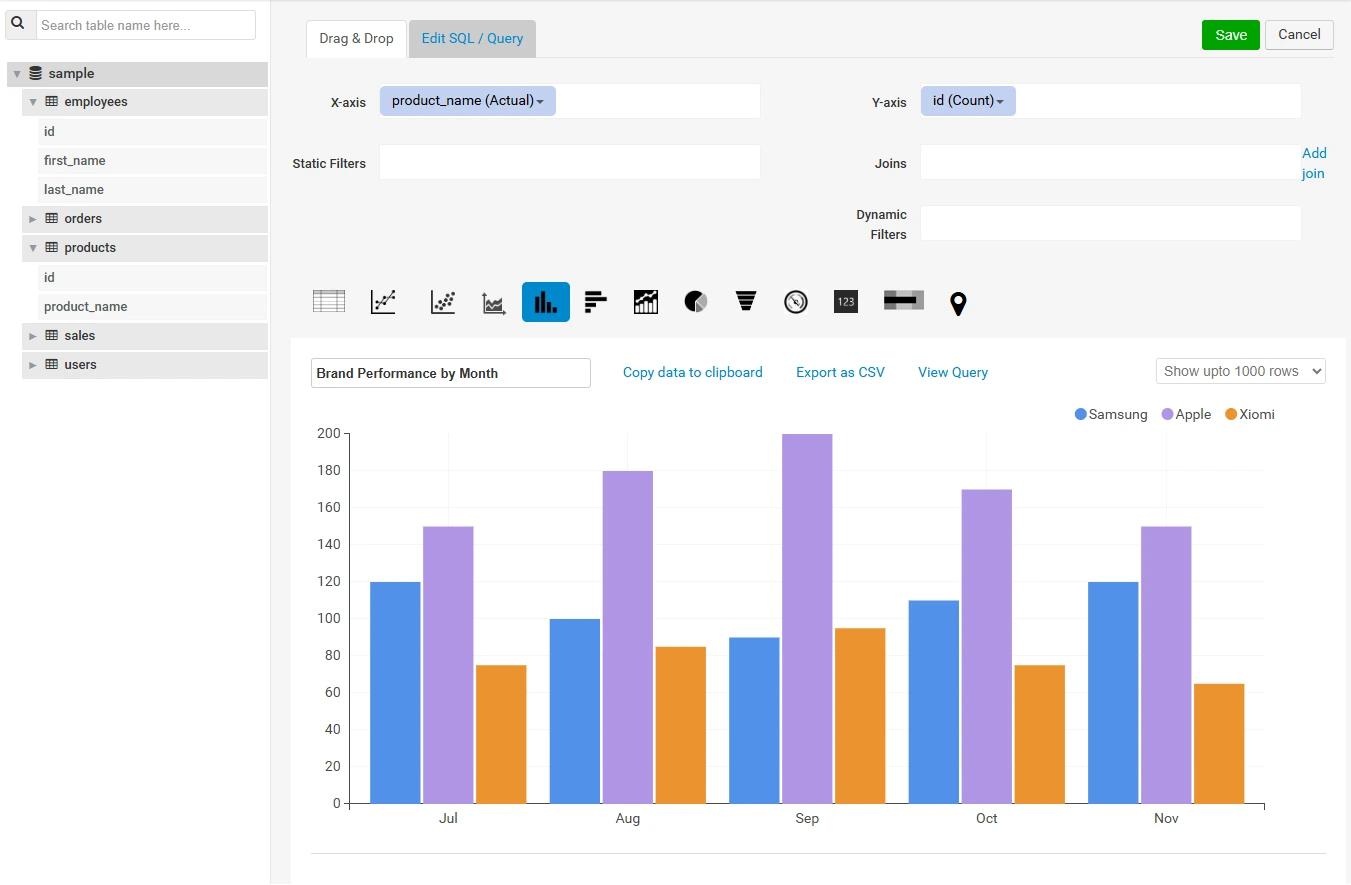
Flexible report creation
Build MariaDB Reports Visually or with SQL
Create database reports through drag-and-drop reporting when you want a visual workflow. For advanced queries, use the SQL query editor to shape the data behind your reports.
Whether you are preparing weekly sales summaries, operational metrics, or management reports, choose the approach that fits the task.
Interactive analysis
Explore MariaDB Data in Greater Detail
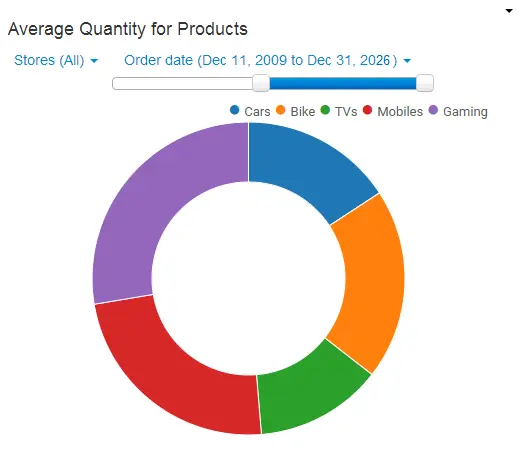
Go beyond static exports with dynamic report filters and drill-down reporting. Narrow results to relevant segments and investigate the details behind summary metrics.
Use custom formulas to define calculated metrics for your reports.
Reporting workflows
Schedule and Share MariaDB Reports
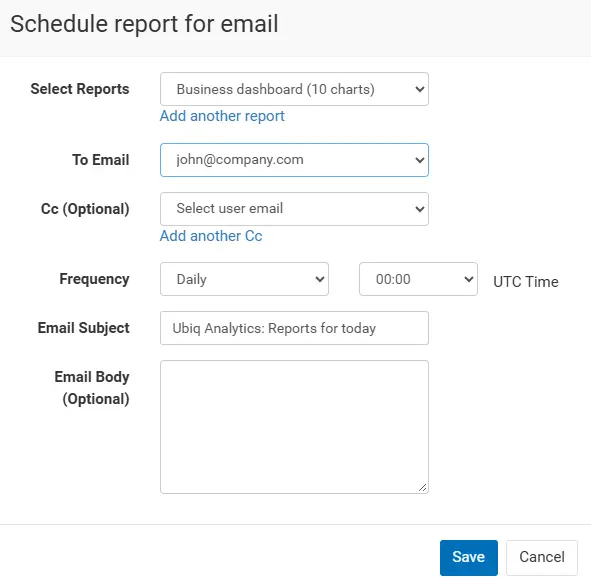
Use scheduled reports to distribute recurring updates and report sharing and permissions to collaborate with colleagues.
Support regular reporting workflows without rebuilding the same reports each time.
Multiple data sources
Reporting Across Your Database Environment
MariaDB is one of several database technologies in modern organizations. Explore reporting for other supported sources, including MySQL, PostgreSQL, and Microsoft SQL Server.
Learn how Ubiq supports multi-database reporting and see the broader database reporting workflow.
Business Intelligence
Bring database reporting into a broader business intelligence workflow.
Analytics
Use analytics software to examine business performance and make data-driven decisions.
Reporting Software
Explore Ubiq's full reporting software capabilities for recurring business reports.
Common applications
MariaDB Reporting Use Cases
Sales Reporting
Review orders, revenue, and sales performance over time.
Operations Reporting
Monitor activity volumes, processing times, and workflow metrics.
Customer Analytics
Analyze customer behavior, segments, and retention trends.
Get started
How to Create a MariaDB Report
1. Connect
Configure your MariaDB connection using the supported connection settings.
2. Select Data
Choose relevant tables or define a SQL query for the dataset.
3. Design
Build charts or tables, then add filters and calculated metrics.
4. Share
Save the report and make it available to your intended audience.
Frequently asked questions
MariaDB Reporting FAQs
What is MariaDB reporting?
MariaDB reporting is the process of turning data stored in a MariaDB database into reports, charts, dashboards, and other summaries for analysis and decision-making.
Can I create MariaDB reports without writing SQL?
Ubiq offers visual report-building workflows for supported reporting tasks. You can also use SQL when you need more control over the underlying query.
Can I build dashboards from MariaDB data?
Yes. Ubiq provides dashboard capabilities for visualizing data and tracking business metrics.
Can I schedule and share MariaDB reports?
Ubiq offers scheduled reporting and report-sharing features for recurring team workflows.
Does Ubiq support databases other than MariaDB?
Ubiq also supports reporting workflows for MySQL, PostgreSQL, Microsoft SQL Server, and other supported data sources.
Start Building MariaDB Reports with Ubiq
Create clear reports and dashboards from your database data, then share insights across your team.
Get Started with Ubiq