Cloud database reporting
Amazon RDS Reporting Software & Dashboards
Turn data stored in supported Amazon Relational Database Service (RDS) engines into clear reports, interactive dashboards and business insights with Ubiq.
Database compatibility depends on the underlying RDS engine and your Ubiq connection configuration.

Overview
Make Amazon RDS Data Easier to Understand
Amazon RDS helps teams run relational databases in the cloud. Ubiq adds a reporting layer so stakeholders can explore operational metrics without manually assembling spreadsheets or recurring SQL exports.
Build Database Reports
Transform database tables and query results into readable business reports.
Explore reporting softwareMonitor KPIs in Dashboards
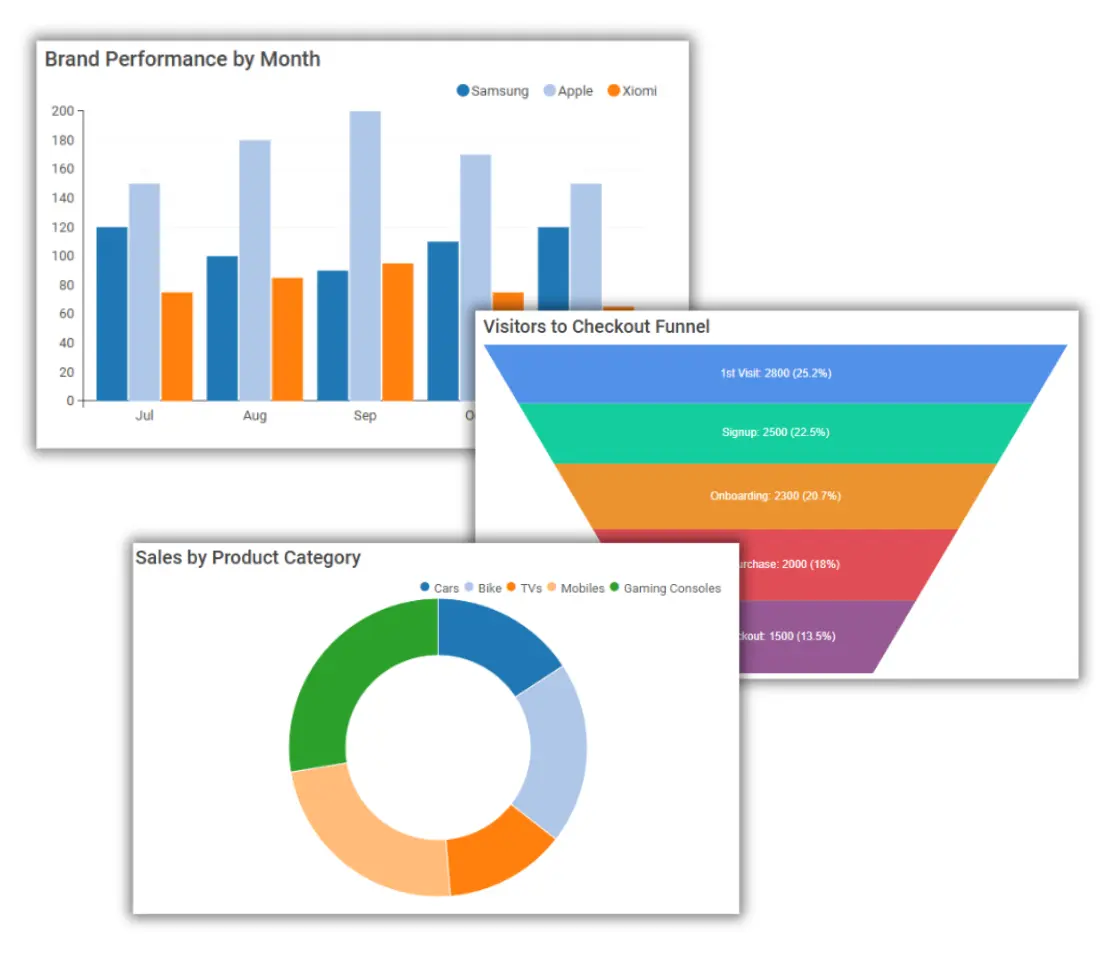
Organize metrics and charts into dashboards for teams and decision-makers.
Explore dashboard softwareAnalyze Trends
Use visualizations to identify patterns and understand business performance.
Explore analytics software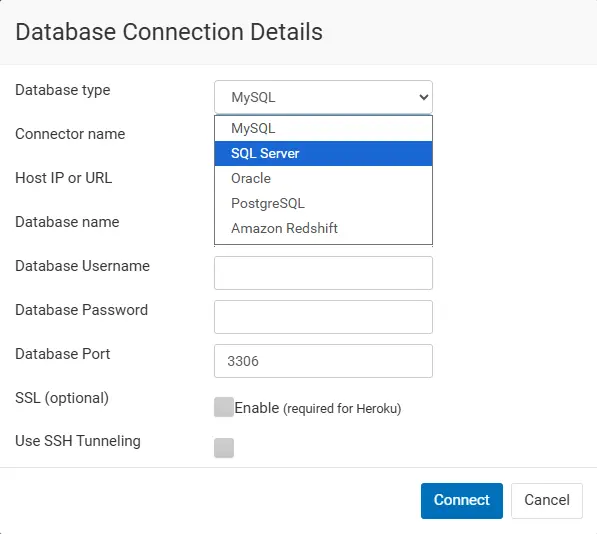
Workflow
From RDS Database to Report
- Choose your database engine. Confirm the RDS engine is supported by Ubiq.
- Configure a secure connection. Supply the appropriate database endpoint and credentials, and ensure network access is permitted.
- Select or query data. Work with relevant tables or SQL results.
- Build and share reports. Create charts, add filters and distribute insights to colleagues.
Database compatibility
Supported Amazon RDS Database Engines
Amazon RDS is a managed service, not a single database engine. Ubiq connects through supported underlying database technologies.
Amazon RDS for MySQL
Build reports from MySQL databases hosted on Amazon RDS.
Explore MySQL reportingAmazon RDS for PostgreSQL
Analyze PostgreSQL database data using reporting and dashboard workflows.
Explore PostgreSQL reportingAmazon RDS for SQL Server
Create reports from supported Microsoft SQL Server deployments.
Explore SQL Server reportingAmazon RDS for MariaDB
Visualize and report on data stored in MariaDB databases.
Explore MariaDB reportingAmazon Aurora
Ubiq also makes it easy to connect to Aurora database, run queries and generate reports & dashboards.
Capabilities
Explore and Share RDS Reports
Visual Report Builder
Build reports visually with drag-and-drop reporting tools.
Create reports visuallySQL Query Editor
Write SQL queries against supported database connections to prepare reporting datasets.
Write SQL reportsSharing & Permissions
Share reports with colleagues while managing access.
Explore sharing permissionsUse cases
Reporting for Teams Using Cloud Databases
Build sales and revenue reports, monitor operational activity, compare performance over time, and share team dashboards. Use custom formulas for derived metrics and multi-database reporting when your reporting workflow involves multiple supported database connections.
Ubiq's business intelligence software, data visualization tools and report builder help teams turn raw database data into actionable information.
Frequently Asked Questions
Turn Your Amazon RDS Data Into Useful Reports
Explore Ubiq's database reporting tools and build dashboards for your team.
Get Started with Ubiq